Why a link beats an inbox
Most small teams start hiring the same way: put an email address at the bottom of a job post and wait. It works until it doesn't. Resumes arrive in six different formats, half of them as links to cloud drives that expire. Someone replies from their phone and the thread forks. Two weeks later nobody can say who applied, who was already screened, or which of the three Davids sent the portfolio you liked.
A single application link fixes the intake problem at the source. Every candidate answers the same questions in the same order, and every answer lands in the same place, already structured. You are not reformatting anything; you are just deciding.
What a job application link actually needs to do
Plenty of tools will generate a form URL. Very few handle the parts that specifically matter for hiring:
- Take a resume from anyone.If your form requires the candidate to sign in before uploading a file, you are losing applicants who don't have that account or are signed in to the wrong one. This is the most common silent failure in DIY application forms.
- Work on a phone. A large share of applicants will click your link from a phone, often from a LinkedIn or Slack notification. A dense multi-page form with twenty fields visible at once converts badly on a small screen.
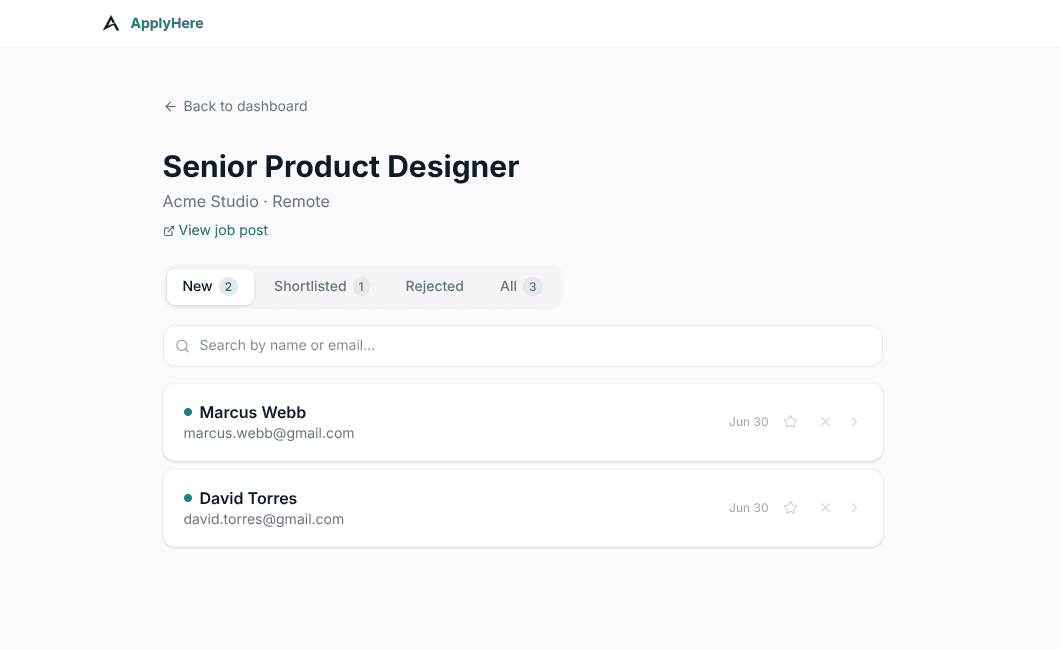
- Keep applicants together. A form that dumps rows into a spreadsheet gives you data, not a process. You still need somewhere to mark who is shortlisted and who was rejected, or you will do that work in your head and lose it.
- Close itself. Job links get shared, forwarded, and archived. Without an expiry, you will still be getting applications for a role you filled in March.
Where the usual options fall short
Google Forms is free and genuinely fine for collecting simple information, but its file upload requires a Google account from the candidate, a hard barrier for a job application. It also gives you a spreadsheet, not a pipeline.
Typeform has the one-question-at-a-time experience that converts well, but the free plan caps you at 10 responses a month and does not include file uploads at all. To accept a single resume you need the Basic plan. For one hire a quarter, that is a subscription running the whole year for a few weeks of use.
A full ATS (Workable, Greenhouse, Lever) solves all of this and much more, at a price that assumes you are hiring continuously. If you make two or three hires a year, you are paying for pipeline reporting and interview scorecards you will never open. We wrote a longer comparison of ATS options for small businesses if that is the bracket you are in.
What you get here
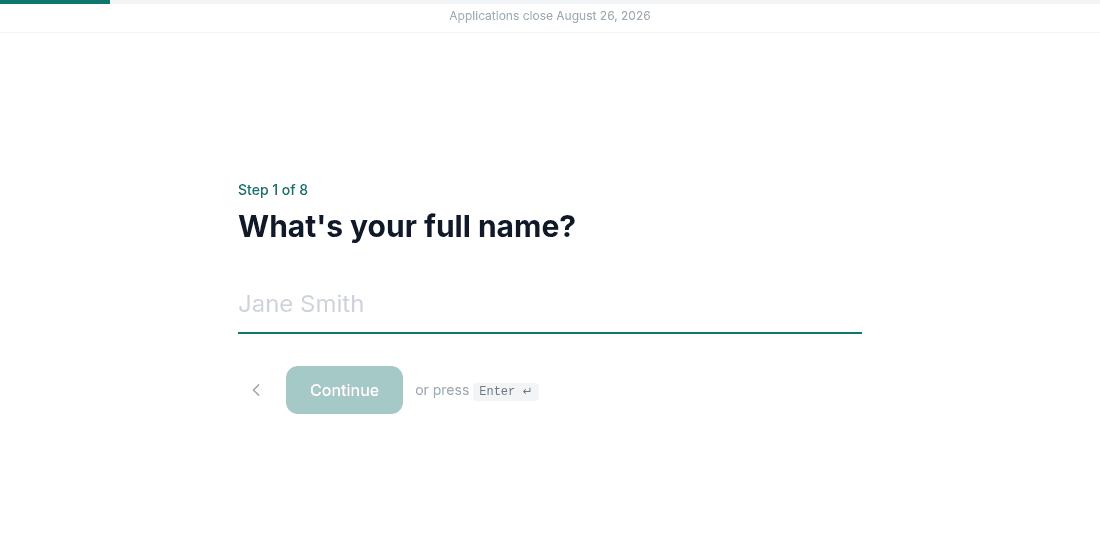
ApplyHere is deliberately the narrow version: publish a job, get a link, collect applicants, shortlist them. Resume uploads work without a login. The candidate flow is one question per screen. The link expires after four weeks on its own. Your first job post is free, and every one after that is $9, charged per post, not per month, so a quiet quarter costs you nothing.